Smart Classroom 01 | What Is an LED Display?
Understanding the Fundamentals, Classifications, and Selection Logic
Welcome to Smart Classroom. From everyday meeting rooms and commercial spaces to stage performances and city landmarks, LED displays are everywhere. Yet many first-time buyers find themselves overwhelmed by technical specifications, model variations, and pricing.
That's why we launched this column – no jargon, just clear logic.
Updated weekly, we help you move from casual observation to informed decision-making – avoiding procurement pitfalls and finding the best fit for your needs.
1. Inside an LED Display: What Makes It Work?
▶ Display Module (Pixel Unit) – Skin & Cells
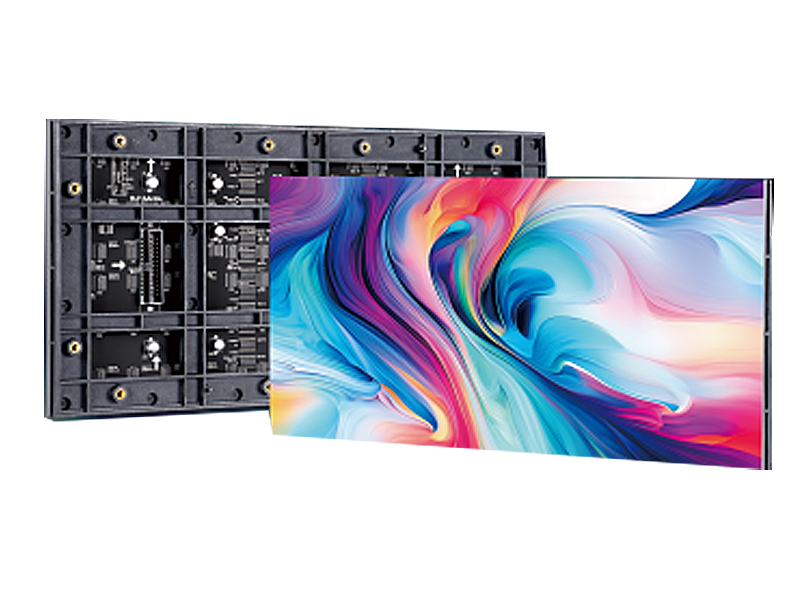
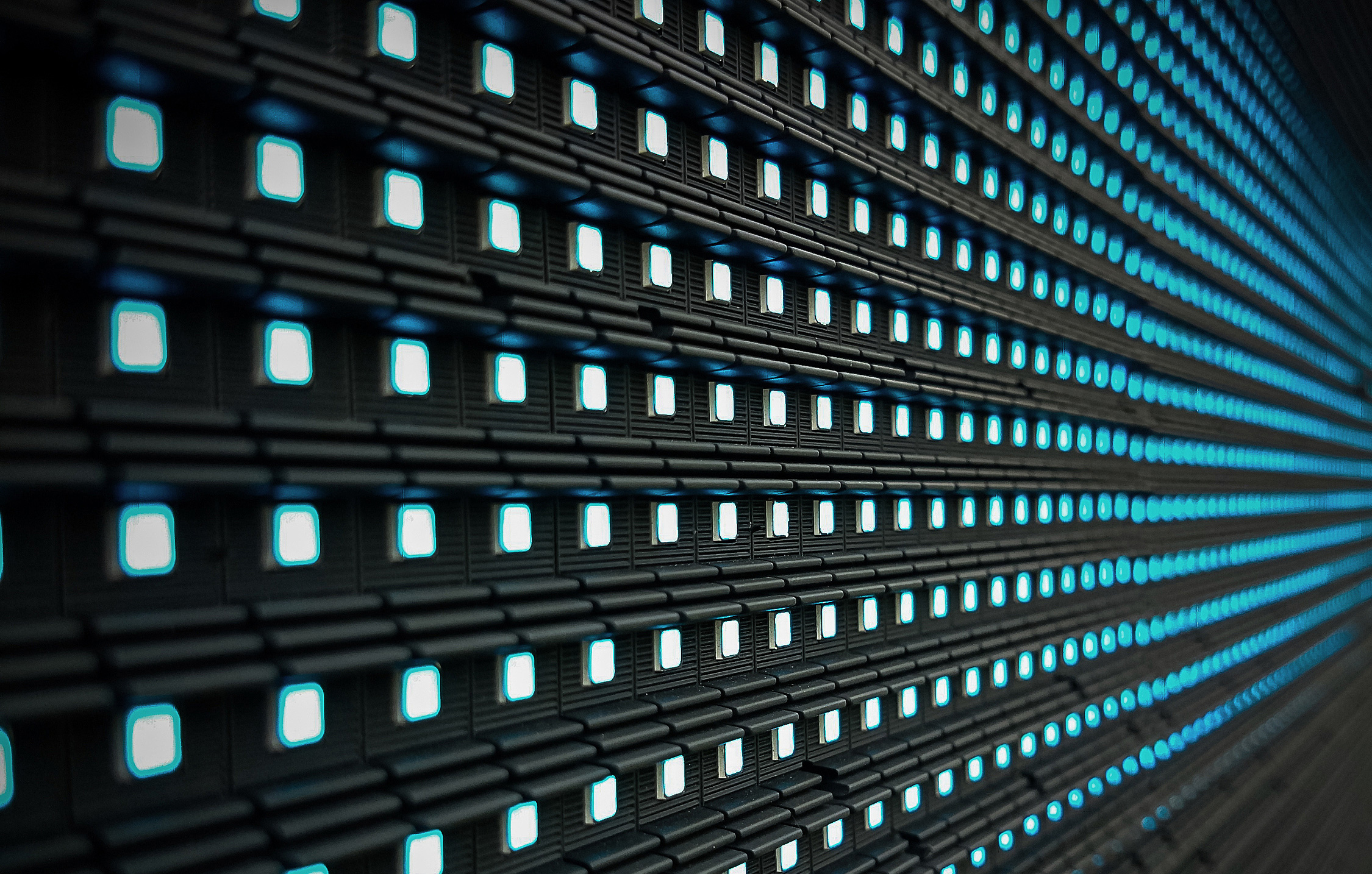
The tiny dots you see on the screen are LED lamps. Tens of thousands of red, green, and blue LEDs are precisely arranged into modules, which are then assembled into a full screen. The module determines fundamental image quality: pixel density, color accuracy, and viewing angle.
▶ Control System (Sending & Receiving Cards) – Brain & Nerves
How do signals from a computer or camera get transmitted losslessly to a screen tens of square meters in size? Through the control system. The sending card issues commands, while receiving cards inside each cabinet execute them precisely. A high-quality control system ensures no tearing, no lag, and clear gradation even at low brightness.
▶ Power Supply & Cabinet Structure – Heart & Skeleton
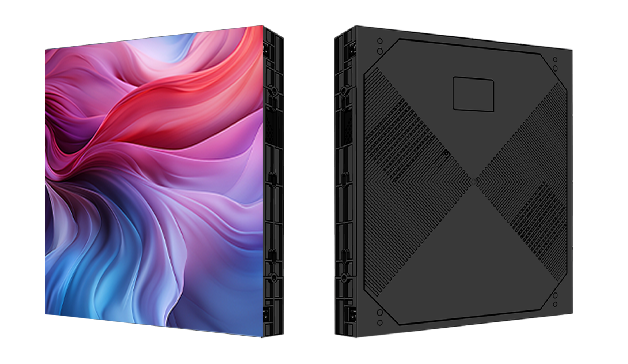
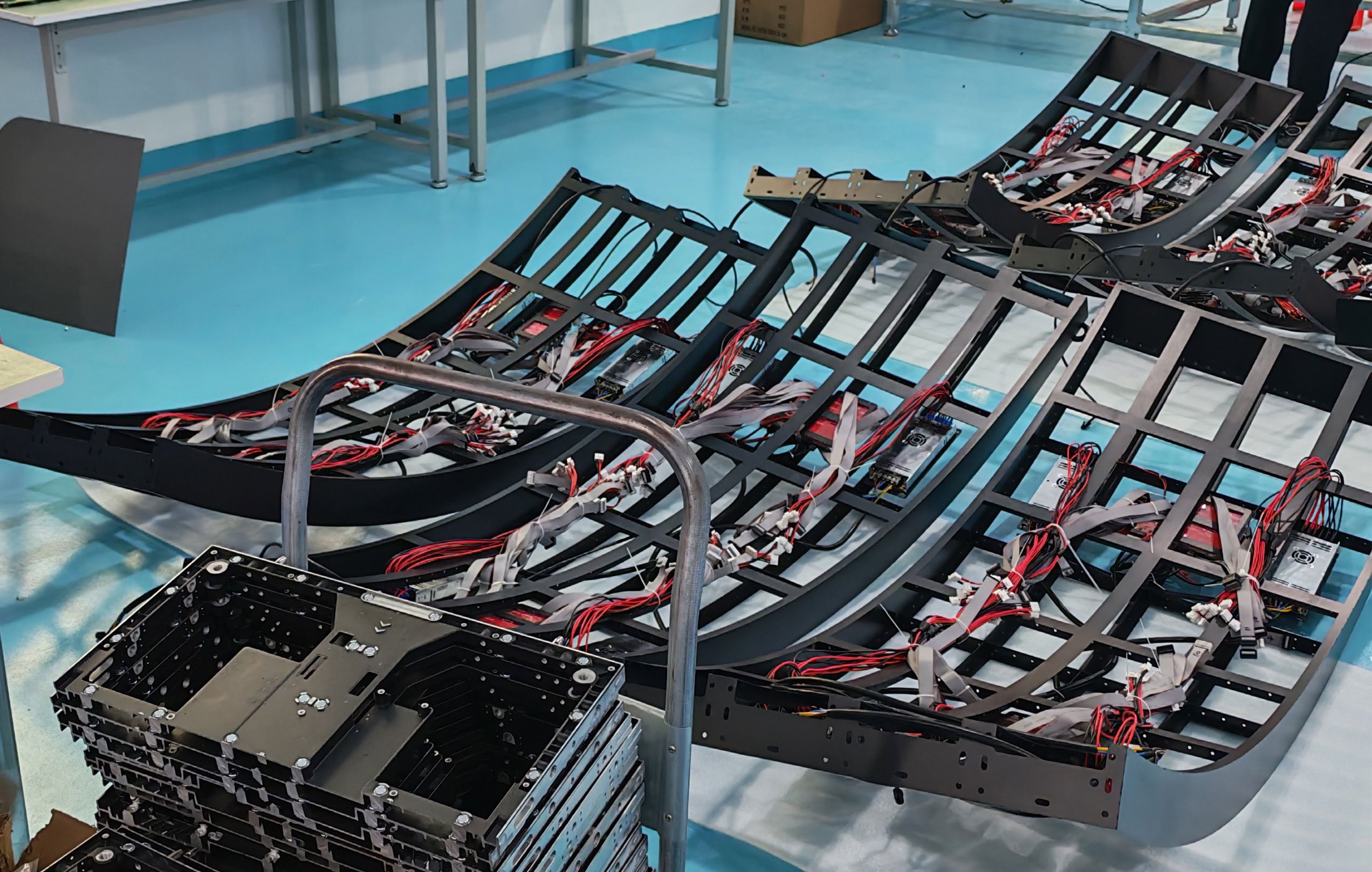
Stable power delivery is the baseline for flicker-free, reliable operation. Aluminum or die-cast aluminum cabinets bear the structural load, provide efficient heat dissipation, and offer dust/water resistance. Well-designed structure speeds up installation and extends service life by over 30%.
2. Indoor, Outdoor, Rental, Creative Displays: What Are the Real Differences?
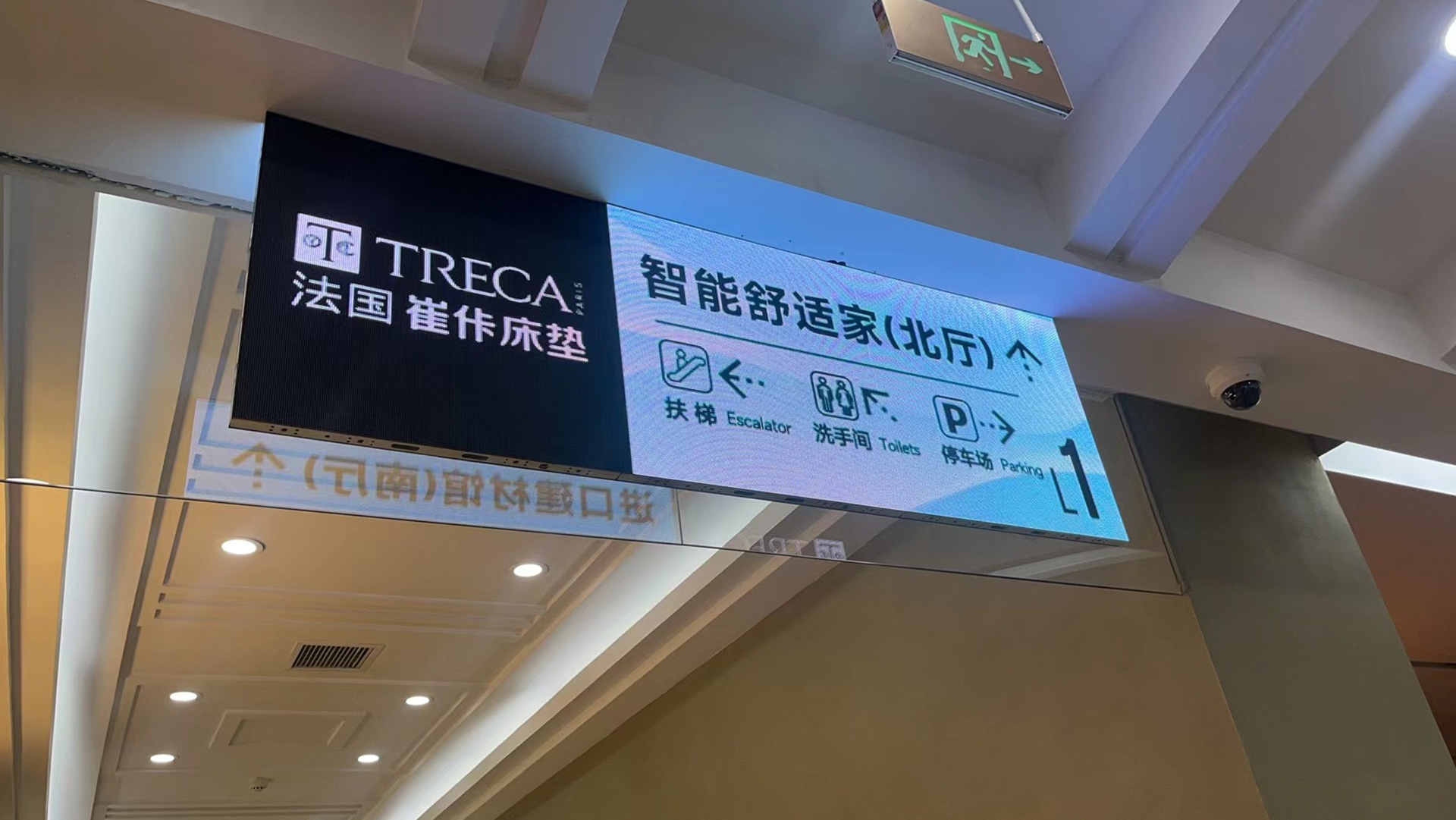
· Indoor Fixed Installation
Viewing distance: 1–5 meters. Core requirements: fine pitch, eye comfort, silent operation. Typically fine pitch (P0.9–P2.5) with anti-glare coating, moderate brightness (600–1000 nits), and low-heat 24/7 operation.
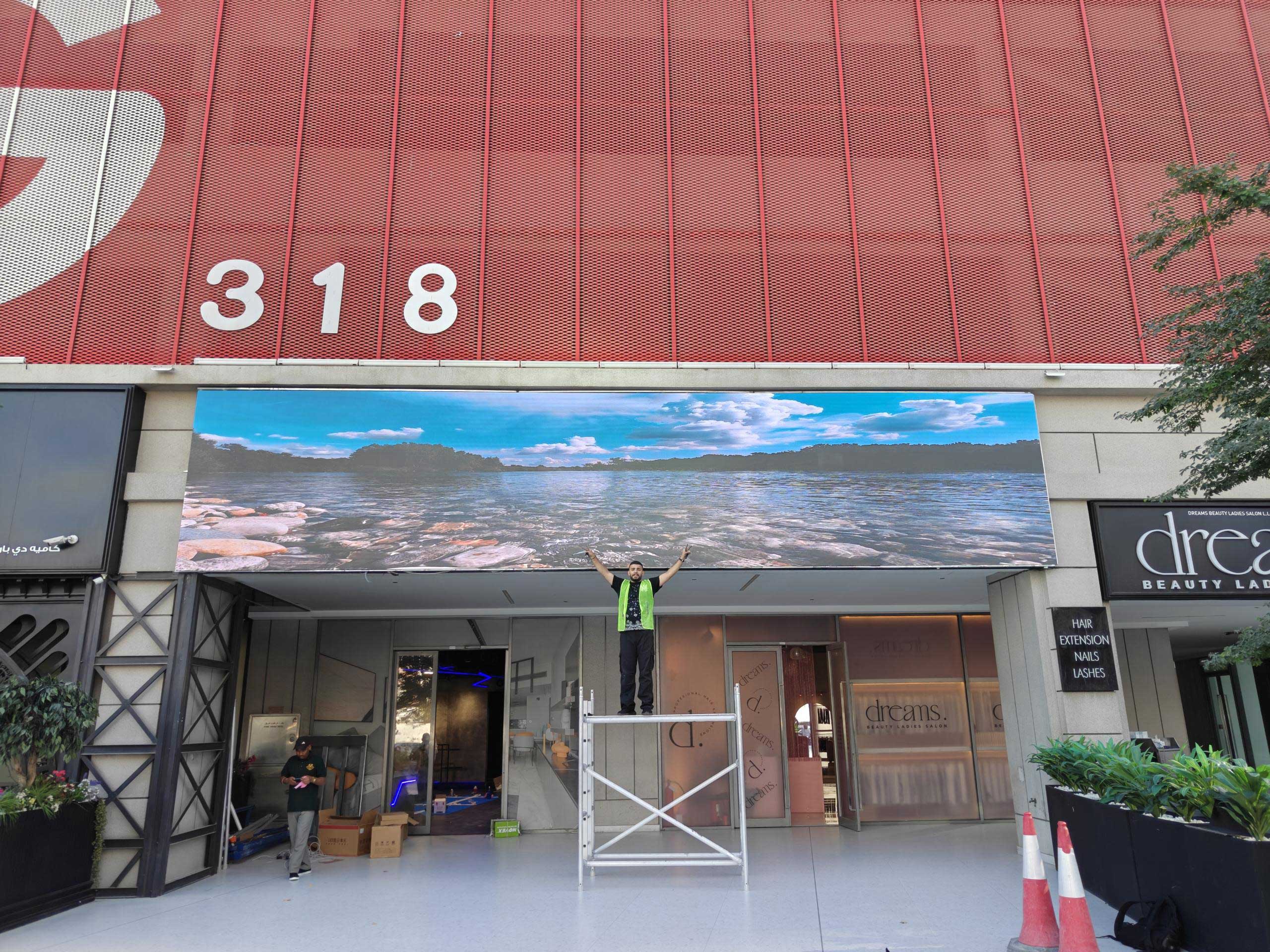
· Outdoor Advertising
Exposed to sun, rain, and temperature swings. Core requirements: high brightness, durability, long lifespan. Brightness must reach ≥5000 nits to combat direct sunlight. IP rating of IP65 or higher is mandatory, along with lightning protection, UV-resistant coating, and strong cooling airflow.
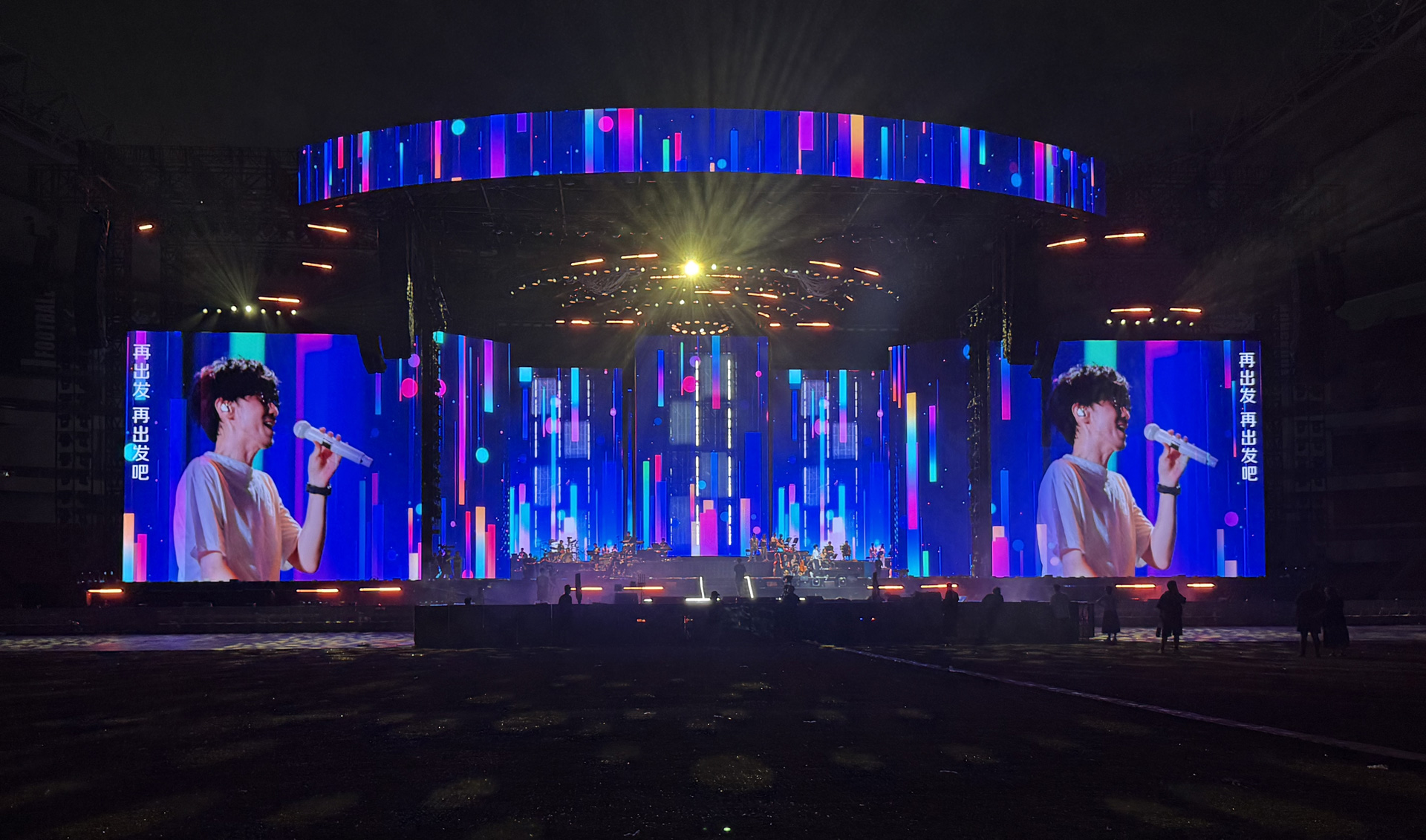
· Stage Rental
Frequent assembly/disassembly and touring transport. Core requirements: lightweight, quick rigging, impact resistance. Die-cast aluminum cabinets (typically ≤8kg per unit), quick-lock connectors, and refresh rate ≥3840Hz – perfect for camera broadcasts without flicker.
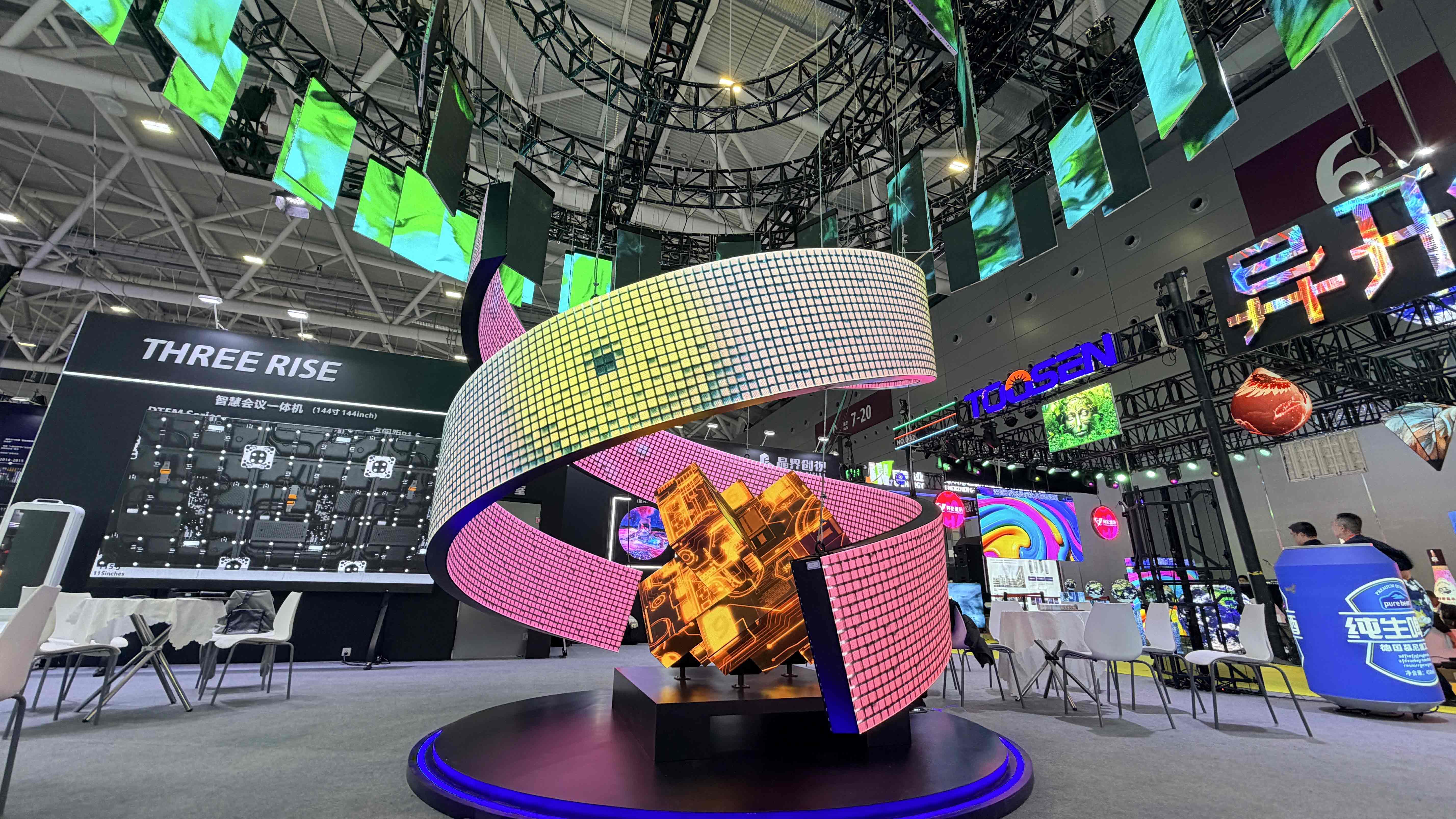
· Creative Custom Displays
Breaking the flat-panel form factor – used in showrooms, landmarks, art installations. Core requirements: flexibility, irregular shapes, high adaptability. Examples include transparent, curved, and spherical screens, requiring custom module curvature and control algorithms.
Our full-scenario product line is built on these real-world needs. We don't sell "one-size-fits-all" screens – only the optimal solution for each scenario.
3. Buyer's Guide for Beginners: Focus on Just These 3 Parameters
1. Pixel Pitch (P-value) – Not Always Smaller = Better
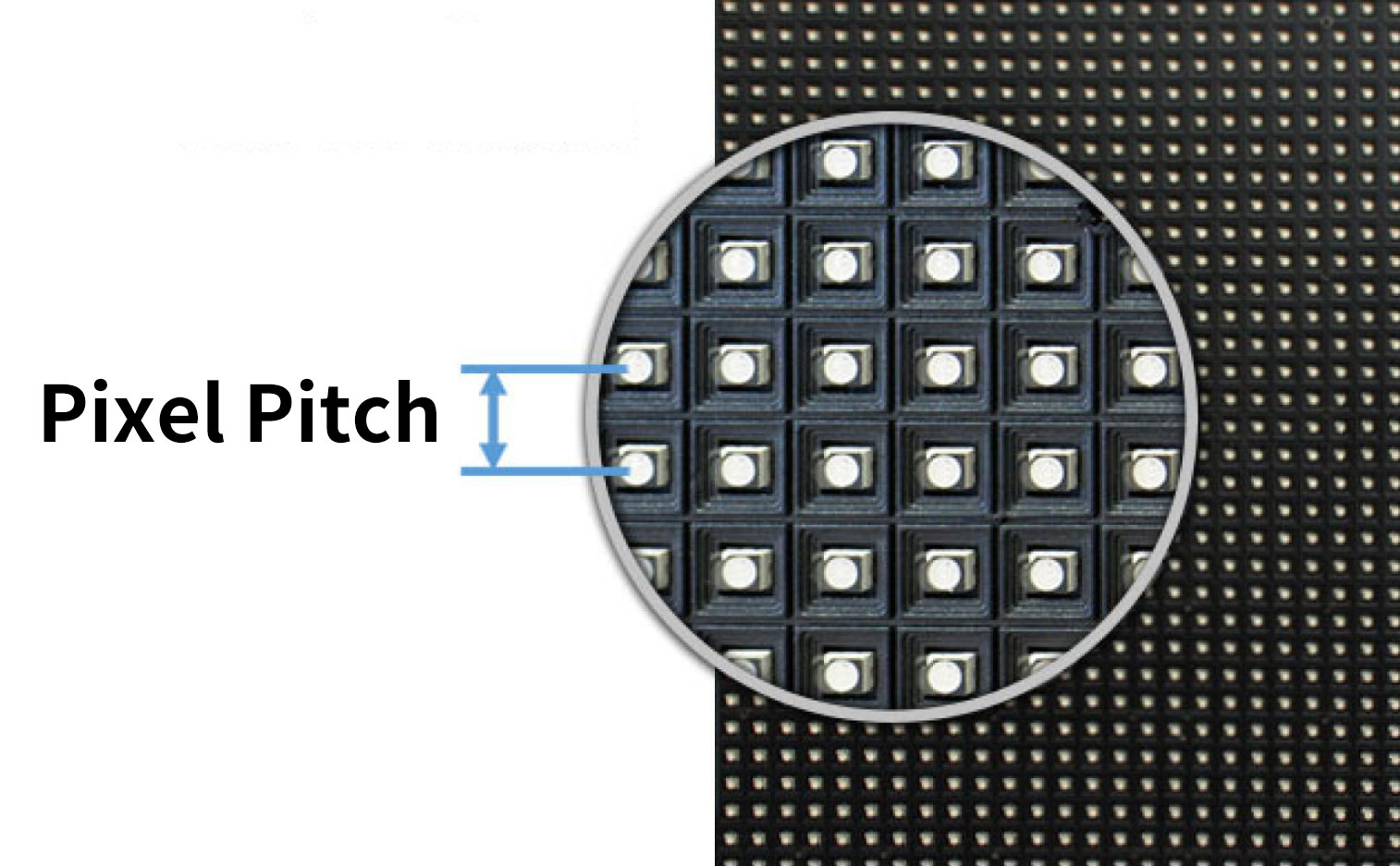
P-value = distance between adjacent pixel centers (in mm). Smaller P = sharper image, but cost rises exponentially.
Golden rule: Comfortable viewing distance (meters) ≈ P-value × 1.5–2. For example, a P2.5 screen is best viewed from ~4–5 meters away. Choosing the right P-value saves money and improves viewing comfort compared to blindly chasing the smallest pitch.
2. Brightness & Protection Rating – Environment Sets the Ceiling
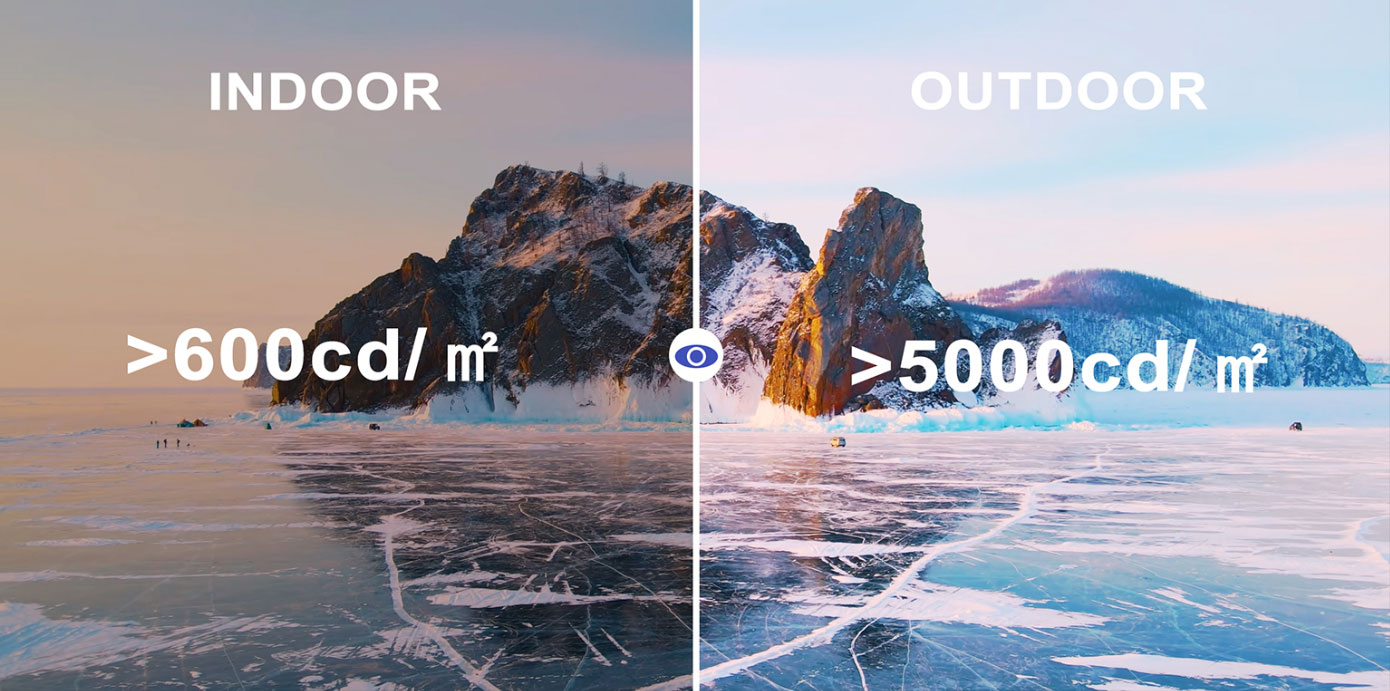
· Indoor: 1000 nits is sufficient
· Semi-outdoor: 2500–4000 nits recommended
· Full outdoor: must be ≥5000 nits
· Protection rating: Look for IP codes. IP5X = dust protection, IPX5 = water protection. For outdoor screens, ensure IP65 or higher – otherwise, one heavy rainstorm could short-circuit modules.
3. Refresh Rate – Test It with Your Phone Camera
Refresh rate = number of times the screen updates per second. Below 1920Hz, viewers may experience eye fatigue, and phone cameras will capture "water ripple" / flickering artifacts. For broadcast-grade live streaming, high-end conferences, and stage performances, choose ≥3840Hz high refresh rate.
4. Interaction & Next Episode Preview
Next Episode Preview: Smart Classroom 02 | Fine Pitch vs. Standard Pitch: What Does the Extra Cost Actually Buy You?